JPEGtoSVG

See how raster tracing works

Compare an actual sample PNG with the real SVG paths generated by JPEGtoSVG, then try tracing the same artwork locally.

This simple flat flower was drawn for the tool and traced through the working converter. The right-hand image is its actual SVG output, rather than a generated claim about conversion quality.
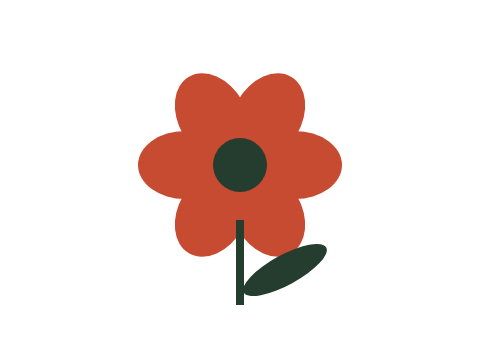
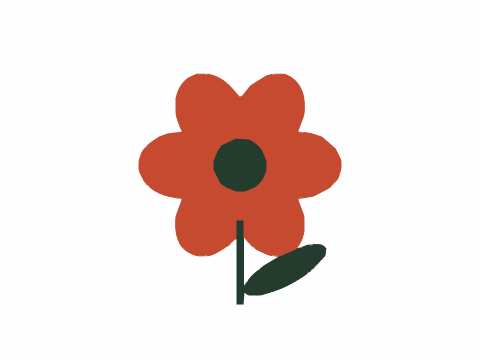
Raster source: a flat coral flower with a green stem on white
Original PNG · purpose-built sample drawing
Actual SVG trace of the sample flower, made with six colors and balanced detail
Real SVG paths · 6 colors · Balanced detail

Try the same source yourself

Choose “Try a sample drawing” in the converter, use 6 colors and Balanced detail, then compare your result. Changing the palette or detail setting will change the traced regions.
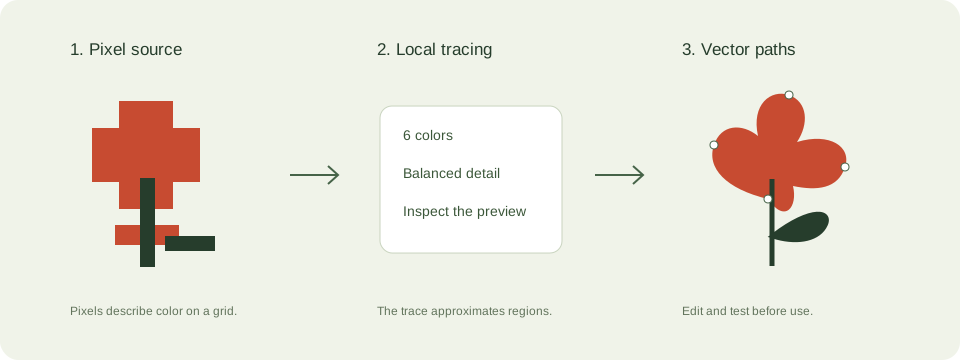
Diagram showing a pixel image, tracing controls, and editable vector paths
Workflow diagram. Tracing approximates the source; editing is where you refine the result.

Trace the sample yourself